🔍 How to Identify Your iPhone Model
1. Locate the Model Number
To find your iPhone’s model number:
- On the Device: -Go to Settings > General > About -Look for the Model Number -Tap the number to see the model identifier (e.g., A####)
- On the Physical Device: -For older models, the model number is printed on the back of the iPhone
2. Match the Model Number
Once you have the model number, refer to Apple’s official list to match it with your iPhone model.This list includes details such as
- **Model Name:**e.g., iPhone 16 Pro Ma
- **Year Introduced:**e.g., 202
- **Capacity Options:**e.g., 256 GB, 512 GB, 1 T
- **Available Colors:**e.g., Black Titanium, White Titaniu
- **Model Numbers:**e.g., A3084 (United States, Puerto Rico
- Physical Characteristics: -Screen size and typ -Material and finis -Button placement -Camera configuration -SIM tray presence and locatio -Connector typ For example, the iPhone 16 Pro Max features a 6.9-inch Super Retina XDR display, a contoured-edge titanium band, and a triple-camera system with Ultra Wide, Fusion, and Telephoto lensesIt uses a USB-C connector and, in the U.S., lacks a SIM tray
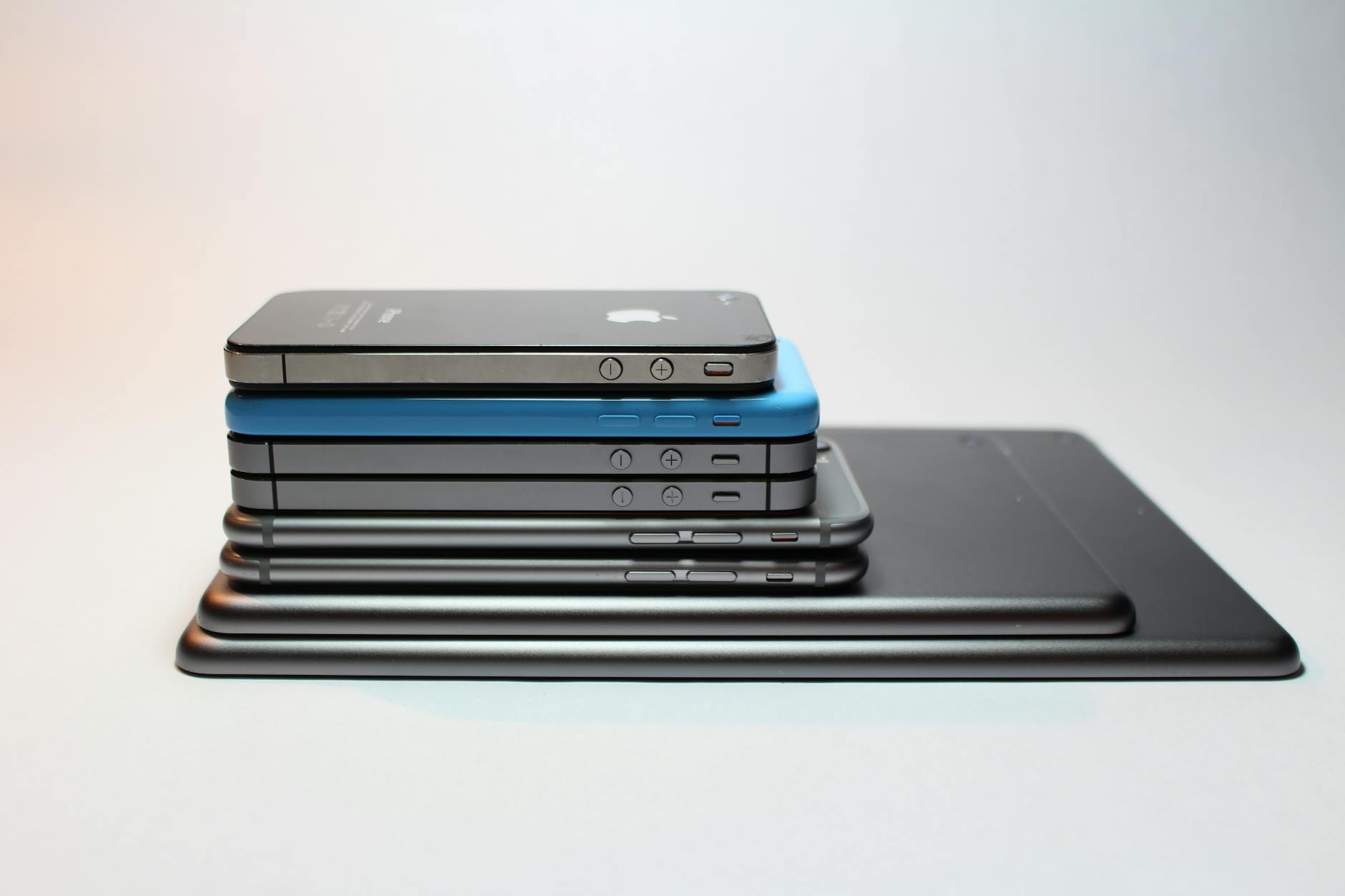
📌 Why Identifying Your iPhone Model Matters
Knowing your iPhone model is crucial for:
- *Compatibility Checks: Ensuring accessories and software updates are compatibl.
- *Resale or Purchase: Accurately describing the device when selling or verifying details when buyin.
- *Technical Support: Providing precise information when seeking assistanc.
For a comprehensive list of all iPhone models and their specifications, visit Apple’s official guide: Identify your iPhone model