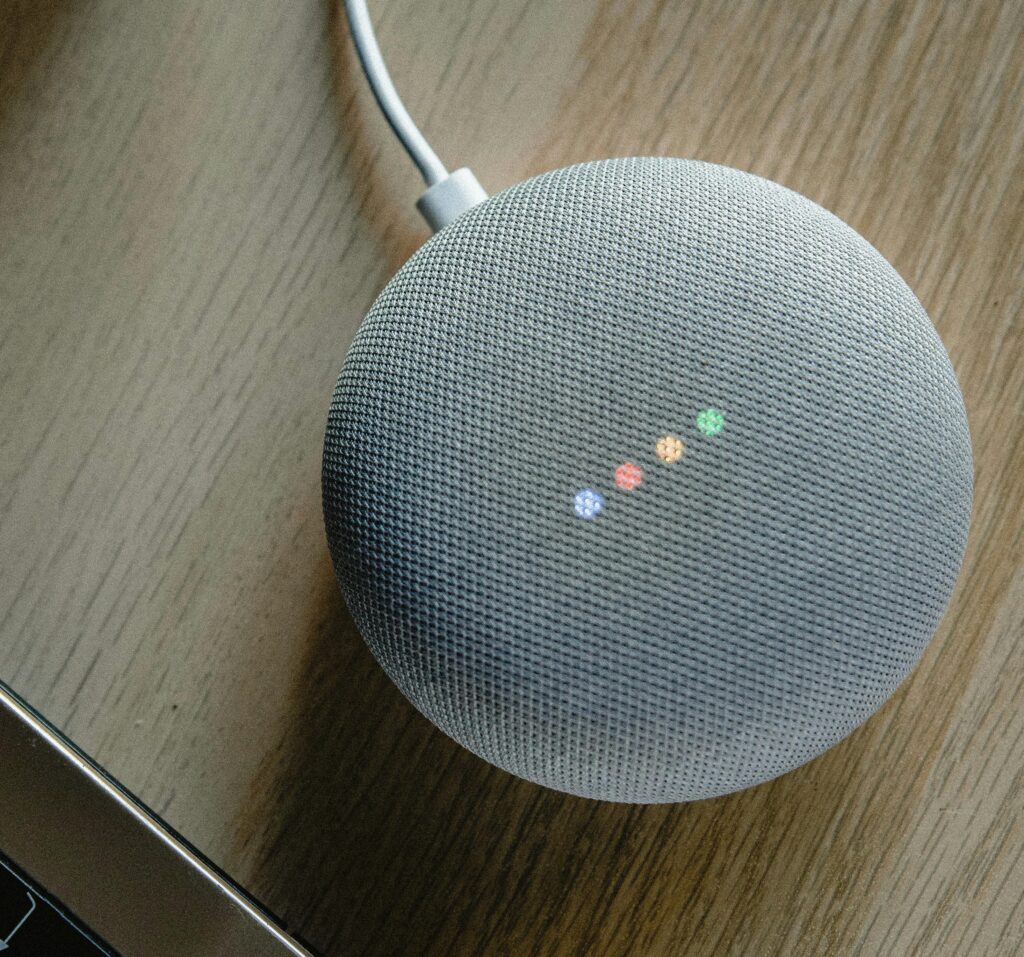
The Google Nest Mini is more than just a smart speaker—it’s a powerhouse of convenience and fun. While most people use it for music and weather updates, there are plenty of hidden features that make it even more useful. Here are 10 things you probably didn’t know your Google Nest Mini could do.
1. Use It as an Intercom
If you have multiple Google Nest devices in your home, you can use them as an intercom system. Simply say:
🔊 “Hey Google, broadcast ‘Dinner is ready!’”
It will send your message to all connected Nest devices in the house.
2. Create Custom Routines
You can automate multiple tasks with a single command. For example:
💡 “Hey Google, good morning” can turn on the lights, read the news, and tell you the weather.
To set up routines, open the Google Home app > Routines > Add a Routine.
3. Play White Noise and Sleep Sounds
Need help sleeping? The Nest Mini can play white noise, rain, ocean waves, and more. Just say:
🌙 “Hey Google, play sleep sounds.”
It will continue playing until you stop it or set a timer.
4. Read Audiobooks and News Summaries
Your Nest Mini can read audiobooks from Google Play Books or give you a daily news briefing. Try:
📖 “Hey Google, read my audiobook.”
📰 “Hey Google, give me the news.”
5. Recognize Different Voices
With Voice Match, the Nest Mini can recognize different users in the house and personalize responses. Set it up in the Google Home app > Assistant Settings > Voice Match.
6. Set Timers for Multiple Tasks
You can set multiple timers simultaneously, perfect for cooking or workouts. Just say:
⏳ “Hey Google, set a pasta timer for 10 minutes.”
⏳ “Hey Google, set a workout timer for 30 minutes.”
7. Play Fun Games and Trivia
Bored? The Nest Mini has built-in games and trivia challenges. Try:
🎲 “Hey Google, let’s play a game.”
🧠 “Hey Google, give me a riddle.”
8. Find Your Lost Phone
If you misplace your phone, the Nest Mini can call it for you—even if it’s on silent! Just say:
📱 “Hey Google, find my phone.”
9. Control Your TV with Voice Commands
If you have a Chromecast-enabled TV, you can use voice commands like:
📺 “Hey Google, play Stranger Things on Netflix.”
📺 “Hey Google, pause the movie.”
10. Unlock Hidden Easter Eggs
Google Assistant has plenty of fun responses. Try asking:
🤖 “Hey Google, do you believe in aliens?”
😂 “Hey Google, tell me a joke.”
🎤 “Hey Google, beatbox for me.”
Final Thoughts
Your Google Nest Mini is more powerful than you think! Whether you’re using it for productivity, entertainment, or just a little fun, these hidden features can make your experience even better.
Looking to buy a Google Nest Mini? Visit Scellit.co.za for great deals!